SHARED EXPERIENCE
Nuturing Wellbeing.
Click on this text to start editing, and enter your own text with some basic formatting. To create a link to another page or website within this section, select the text you want to make into a link and click on the Link icon on the formatting toolbar.
SPOIL YOURSELF
Exclusive Seasonal Offers.
Elements like this introductory text can often be hidden in the block settings
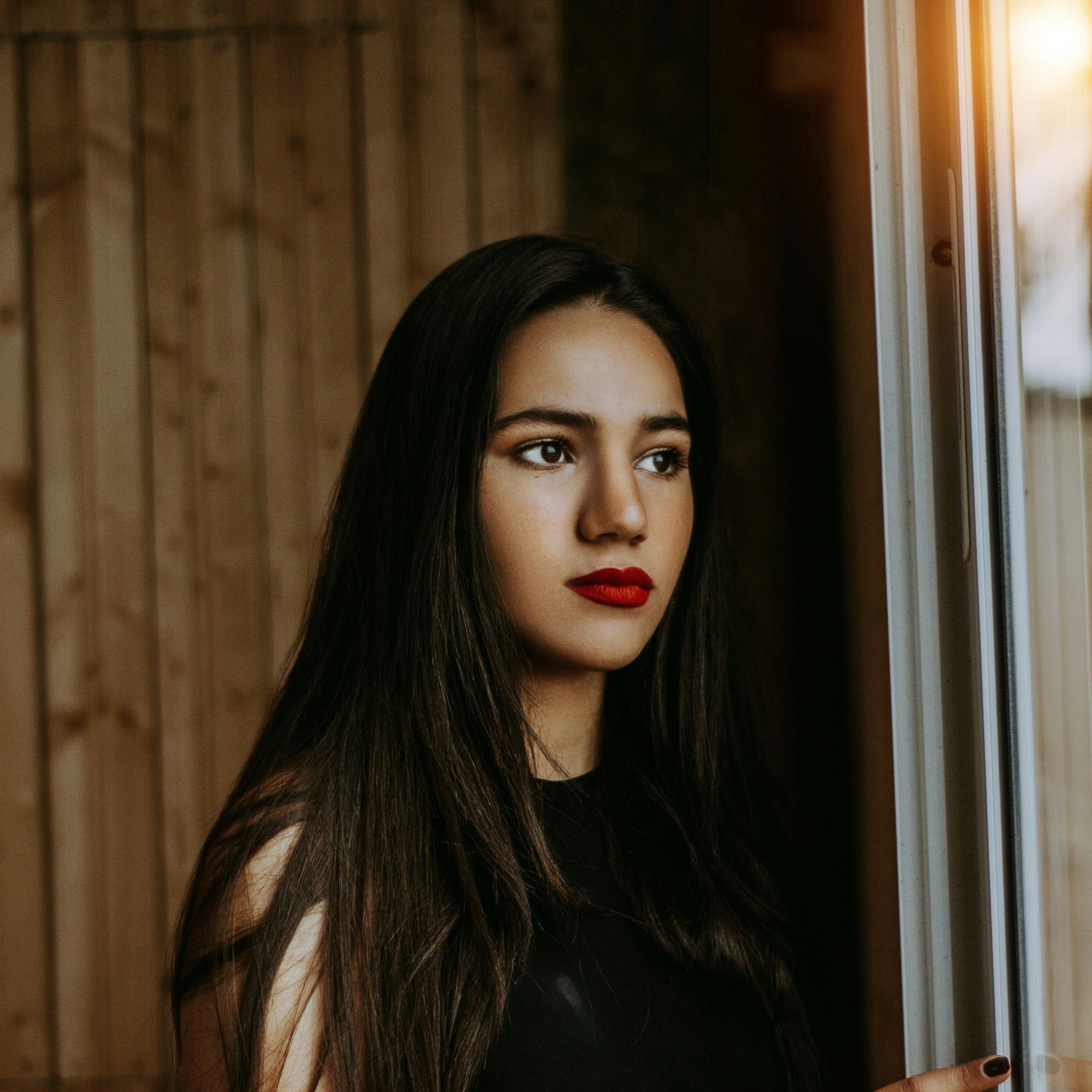
Break For Tranquility
Find Out More
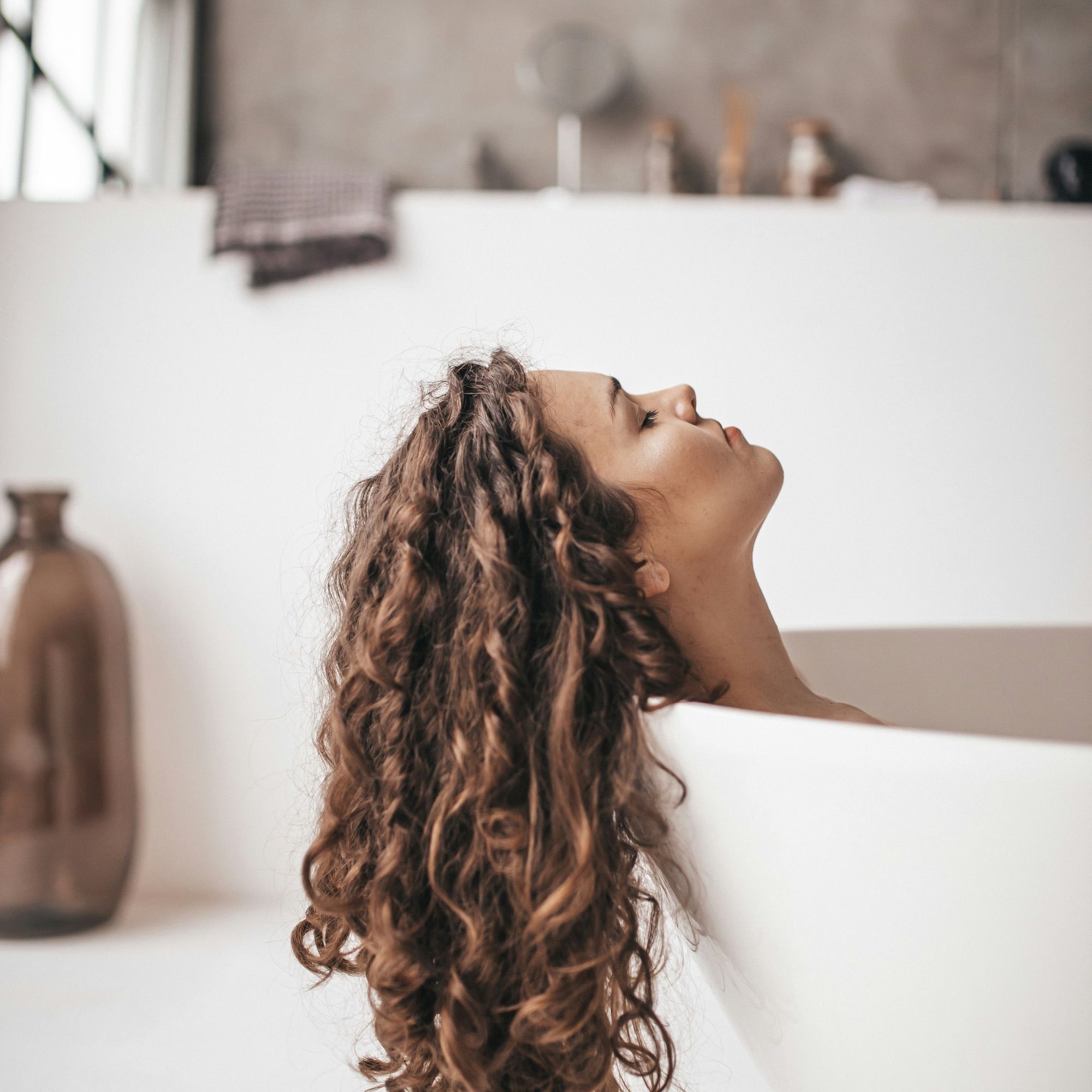
Recharge Fortnight
Find Out More
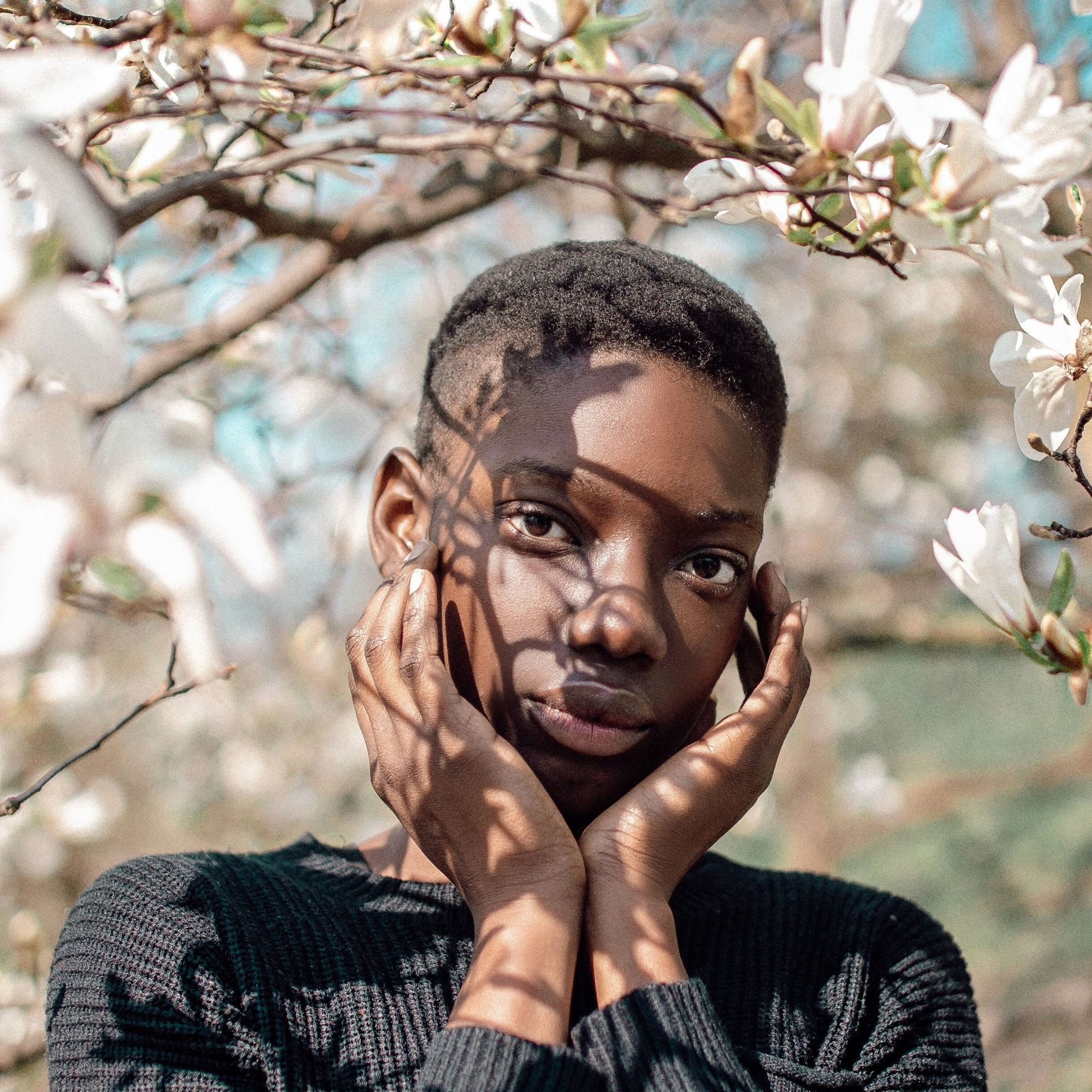
Bank Holiday Offer
Find Out More
TAILORED FOR YOU
Appointments
Appointments are available Monday, Wednesday and Friday 8am to 12pm and need to be booked in advance. No drop ins
Evenings appointments are available upon request Tuesday to Thursday
Reflexology | Facial Reflexology | Indian Head Massage | Baby & Toddler Reflexology | Courses |
|---|---|---|---|---|
Standard Foot £ £45 1 hour | £50 | £35 | £30 | |
RLD Lymph drainage £50 1 hour | £99.99 | £79.99 | £49.99 | £24.99 |
Aroma Reflexology £ | £99.99 | £79.99 | £49.99 | £24.99 |
Price | £99.99 | £79.99 | £49.99 | £24.99 |
Experience Tranquility At Pura Resort

Frequently Asked Questions.
Can I cancel my order?
Click on this text to start editing, and enter your own text with some basic formatting. To create a link to another page or website within this section, select the text you want to make into a link and click on the Link icon on the formatting toolbar. Click anywhere outside the text box when you're done to continue working on the rest of your page.
How do I change my password?
To change the appearance of a block, such as the way in which it is laid out and the width of its columns, click on the Change Layout button on the block toolbar, to the right of each block. You can show and hide many of the elements that make up a block by clicking Block Settings on the right hand toolbar and going to the Elements tab. In Block Settings you can also change other aspects of how a block looks, including margins, colours, animations and background images.
Where can I edit my address?
You can change the order that blocks appear on your page using the up and down arrow buttons on the right hand toolbar, or you can drag the entire block using your mouse.
How do I track my order?
Click on this text to start editing, and enter your own text with some basic formatting. To create a link to another page or website within this section, select the text you want to make into a link and click on the Link icon on the formatting toolbar. Click anywhere outside the text box when you're done to continue working on the rest of your page.
How do I return an item?
To change the appearance of a block, such as the way in which it is laid out and the width of its columns, click on the Change Layout button on the block toolbar, to the right of each block. You can show and hide many of the elements that make up a block by clicking Block Settings on the right hand toolbar and going to the Elements tab. In Block Settings you can also change other aspects of how a block looks, including margins, colours, animations and background images.